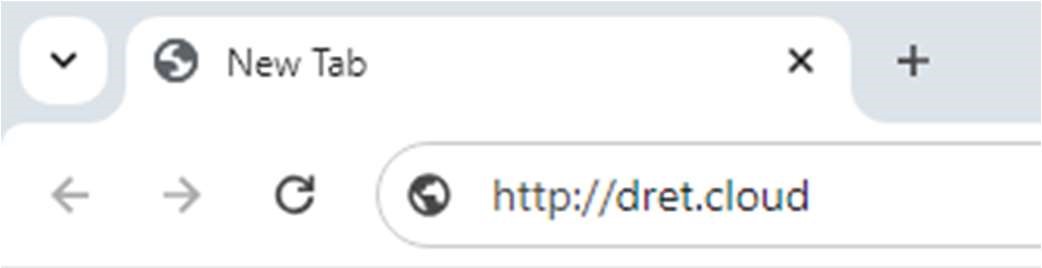
1. Type www.dret.cloud in your browser address bar and visit the website. |
|
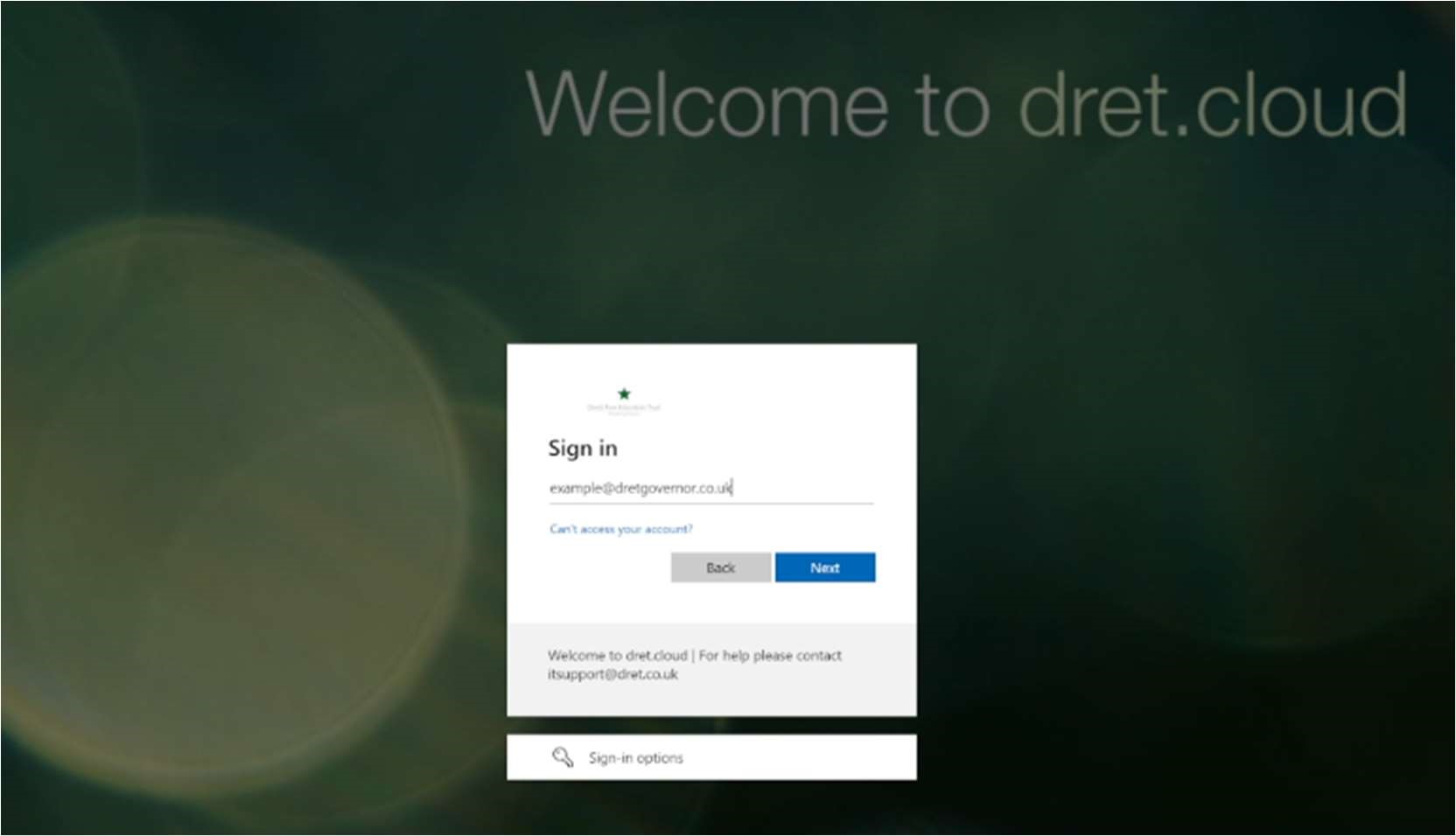
2. Enter your governor email address into the dret.cloud login page and click Next. |
|
3. Enter your password and click Sign In | 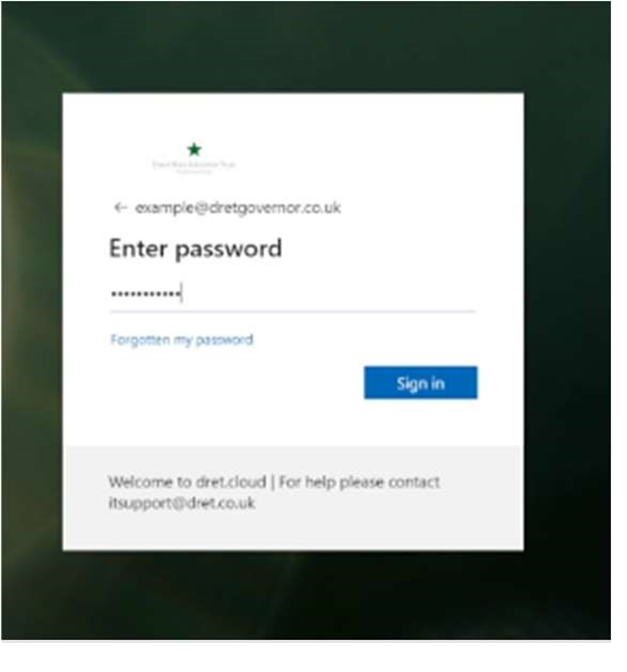 |
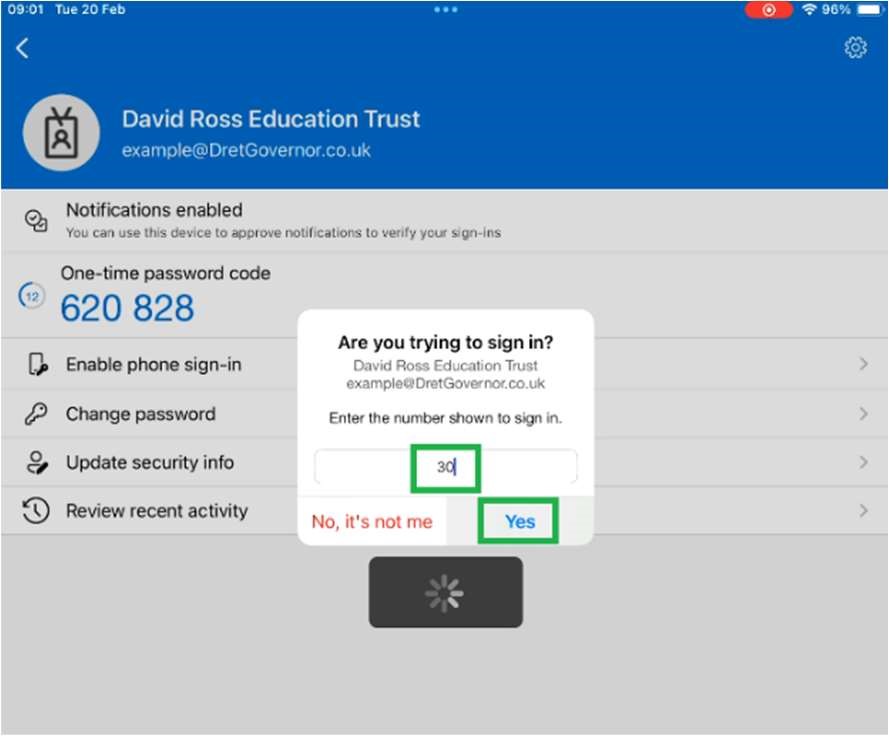
4. You will be prompted by Microsoft for a security check.
Use the Microsoft Authenticator app on your phone to approve the login request.
Enter the code shown on screen into your app if prompted and tap Yes | |
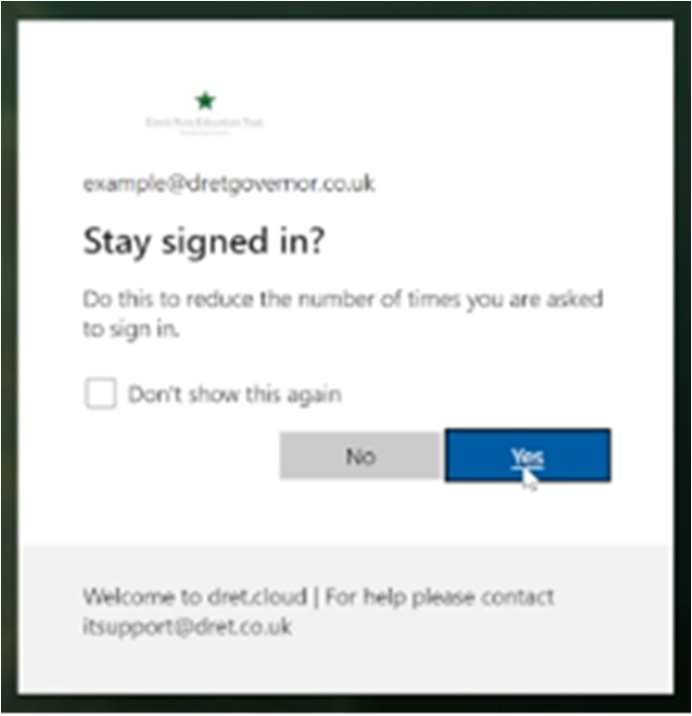
5. You may click Yes to stay signed in |
|
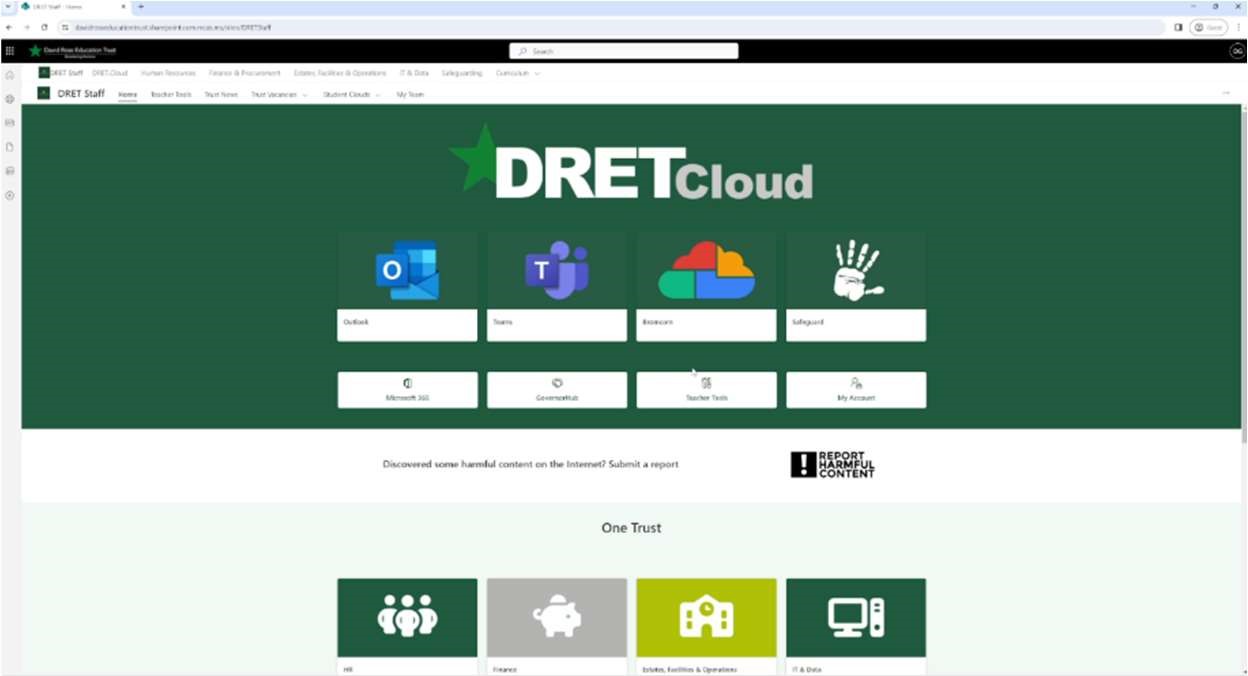
6. You will be logged into dret.cloud where you can access resources such as email/Outlook and Governor Hub. |
|
Was this article helpful?
That’s Great!
Thank you for your feedback
Sorry! We couldn't be helpful
Thank you for your feedback
Feedback sent
We appreciate your effort and will try to fix the article