You should see the following pop-up shortly after logging in. If not, you can open it manually by right-clicking the icon and selecting View My Printers.
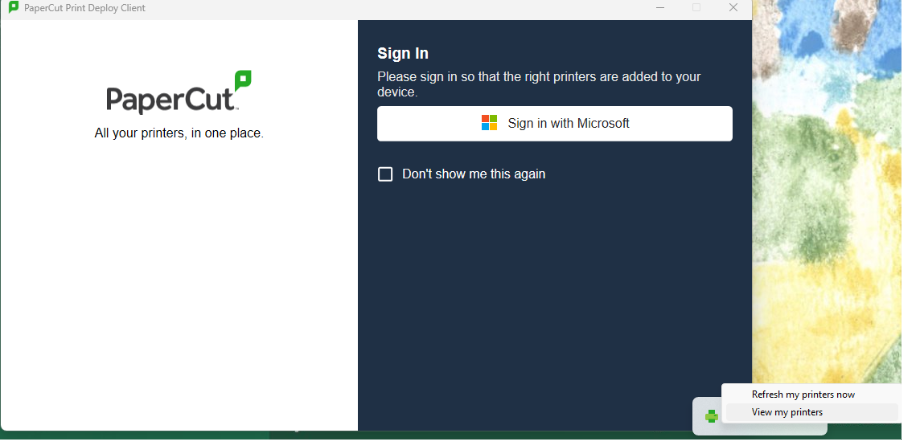
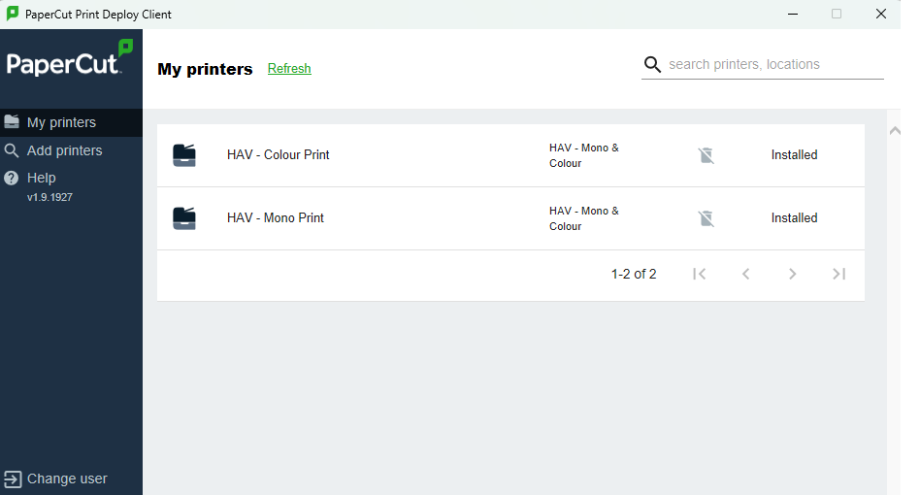
Follow the Sign in with Microsoft process to log in to PaperCut Deploy. Once signed in, the system will automatically detect your academy and install all printers you have access to.
Was this article helpful?
That’s Great!
Thank you for your feedback
Sorry! We couldn't be helpful
Thank you for your feedback
Feedback sent
We appreciate your effort and will try to fix the article