- Click the main image on the Sign In App screen,
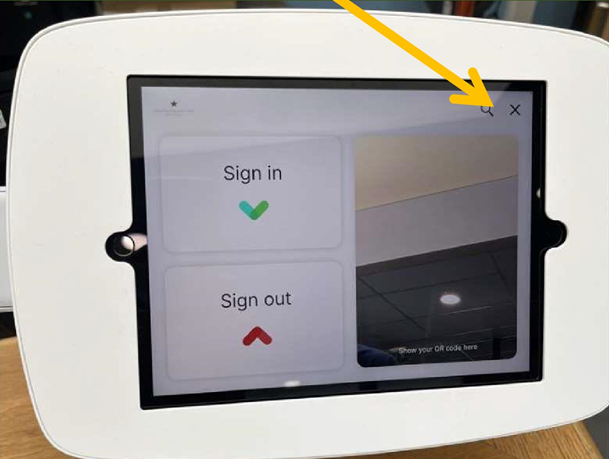
- This will show the below image,
- Click the Magnify Glass icon
- Search for your Name
- Click your Name once found,
- Select 'Connect an RFID Tag',
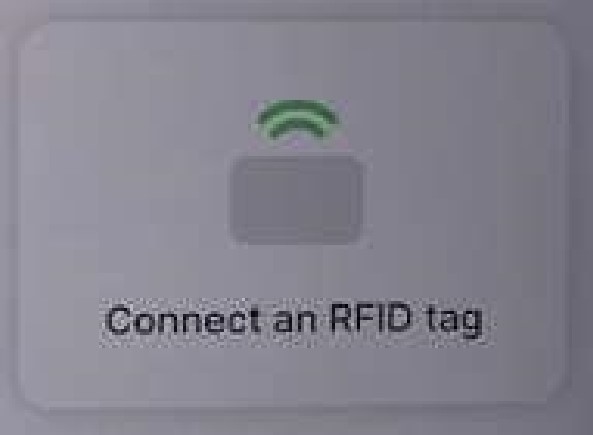
You can now sign in and out of Head Office or any Academy with Sign In App by just tapping your ID Card or Fob on the Fob Reader by the right hand side of the screen
Was this article helpful?
That’s Great!
Thank you for your feedback
Sorry! We couldn't be helpful
Thank you for your feedback
Feedback sent
We appreciate your effort and will try to fix the article